
Apple Pay and point-of-sale payments
Payments made with your phone can be sent automatically to FinBara through Apple Shortcuts, together with the amount, merchant, card, and date.
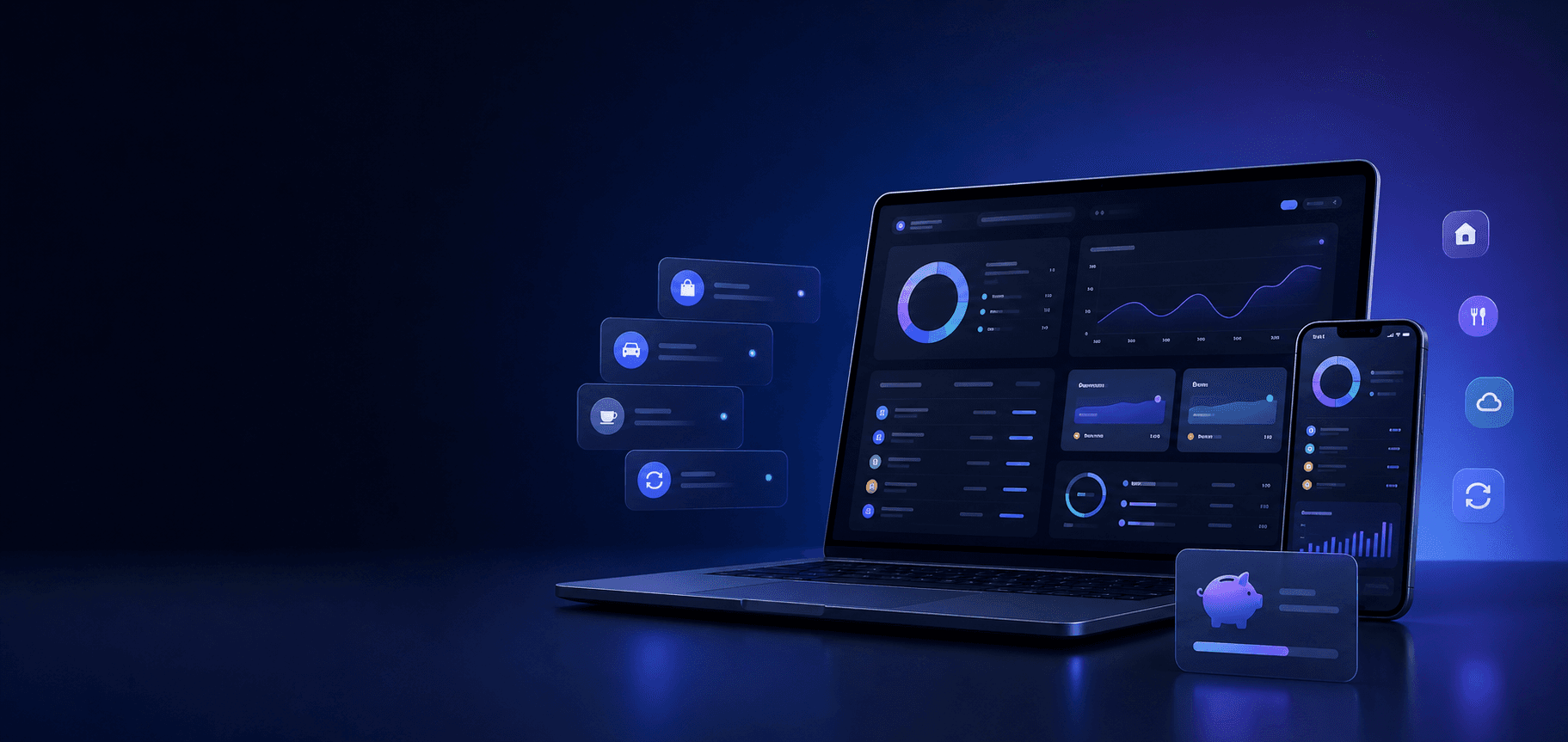
FinBara features
FinBara brings your transactions together, automates recurring expenses, and clearly shows where your money goes.
Import Apple Pay purchases and automate recurring expenses. For cash, transfers, or other payments, use a quick command.
Automatic import
Payments made with your phone can be sent automatically to FinBara through Apple Shortcuts, together with the amount, merchant, card, and date.
Automations and quick commands reduce repetitive steps without taking control of your data away from you.
For cash, transfers, or payments that cannot be imported, use a quick command. FinBara fills in the account, category, and date.
 Analytics
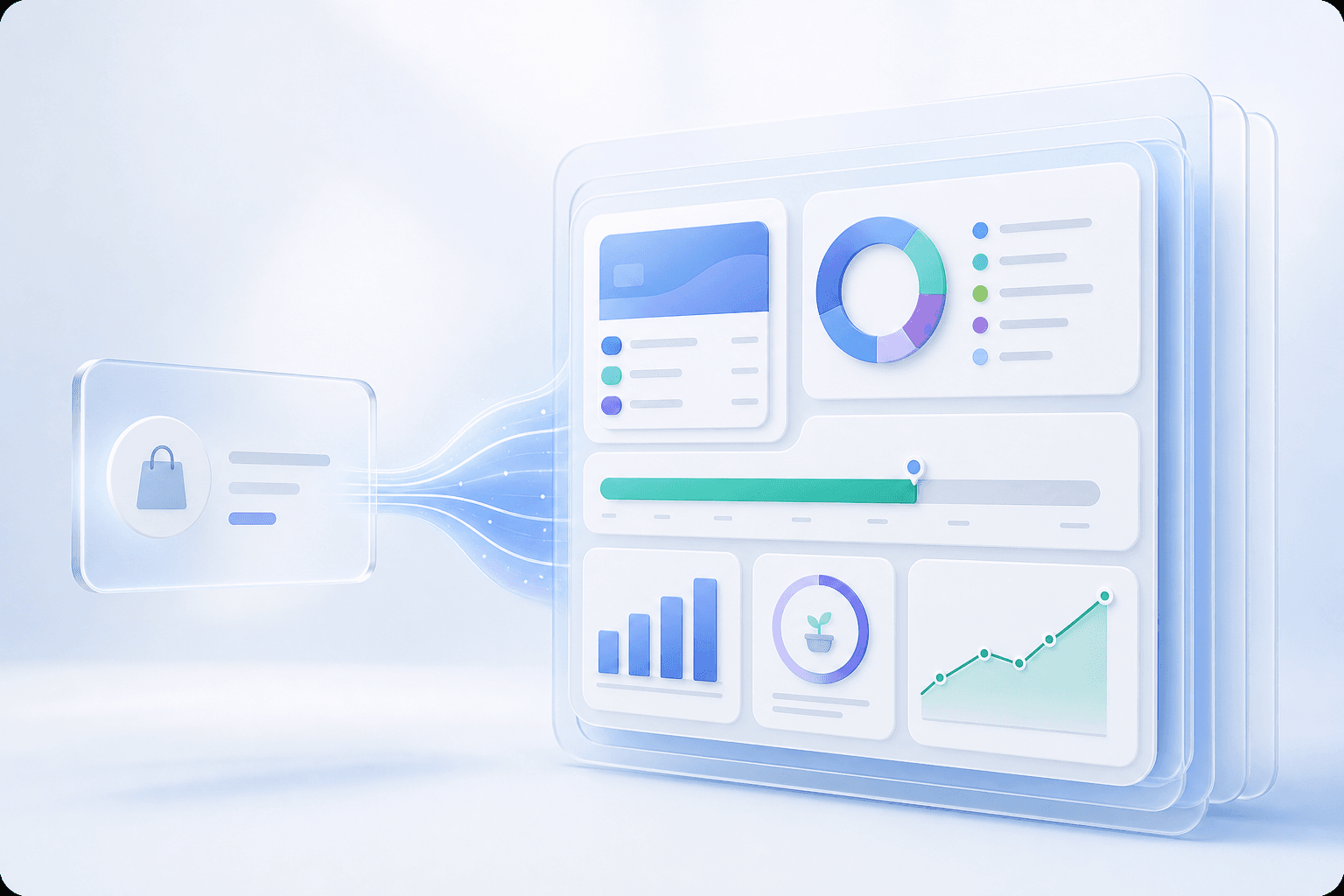
See the complete picture
FinBara organizes transactions automatically and turns them into useful information.
Scheduled Transactions
Set up your salary, rent, installments, or subscriptions once, and FinBara adds them at the right time.
See upcoming payments early and how they will affect this month's balance.Accounts & Cash
Track cards, cash, savings accounts, and investments without connecting directly to your bank.
You control the imports and the data you enter, while FinBara builds a coherent picture of your finances.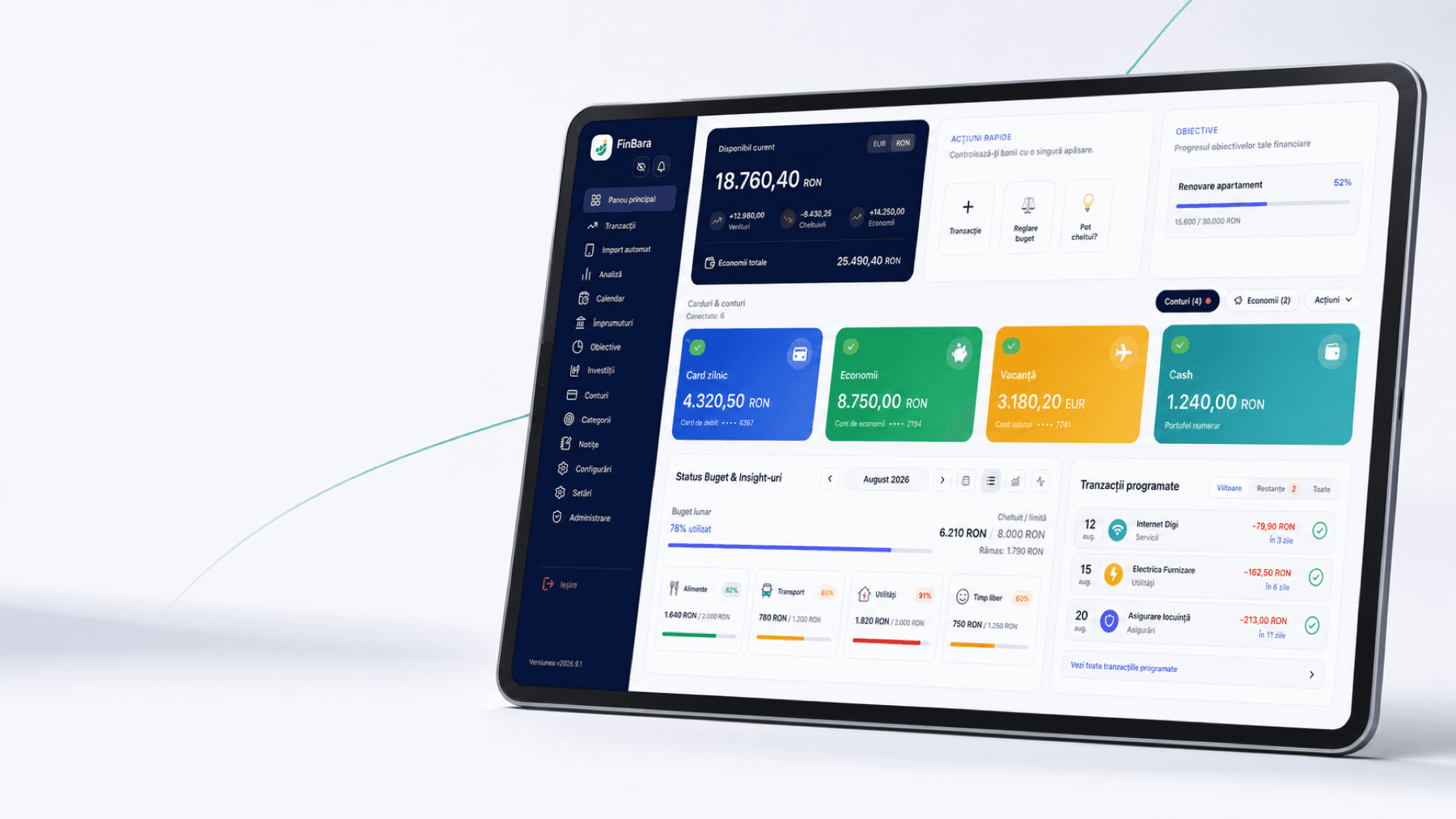
Rules
FinBara can recognize merchants and apply categories and labels automatically.
Lidl can become “Groceries,” Netflix “Subscriptions,” and Booking “Holidays,” without editing every transaction manually.Included for free
FinBara is free and built for people who want complete control over their finances.